

Configure Amazon Bedrock
Amazon Bedrock is a fully managed foundation model service provided by AWS, integrating top-tier models from Anthropic Claude, Meta Llama, Amazon Titan, and more. It offers enterprise-grade security, privacy protection, and flexible model selection, supporting pay-as-you-go pricing.
1. Obtain AWS Bedrock Access Credentials
1.1 Visit AWS Console
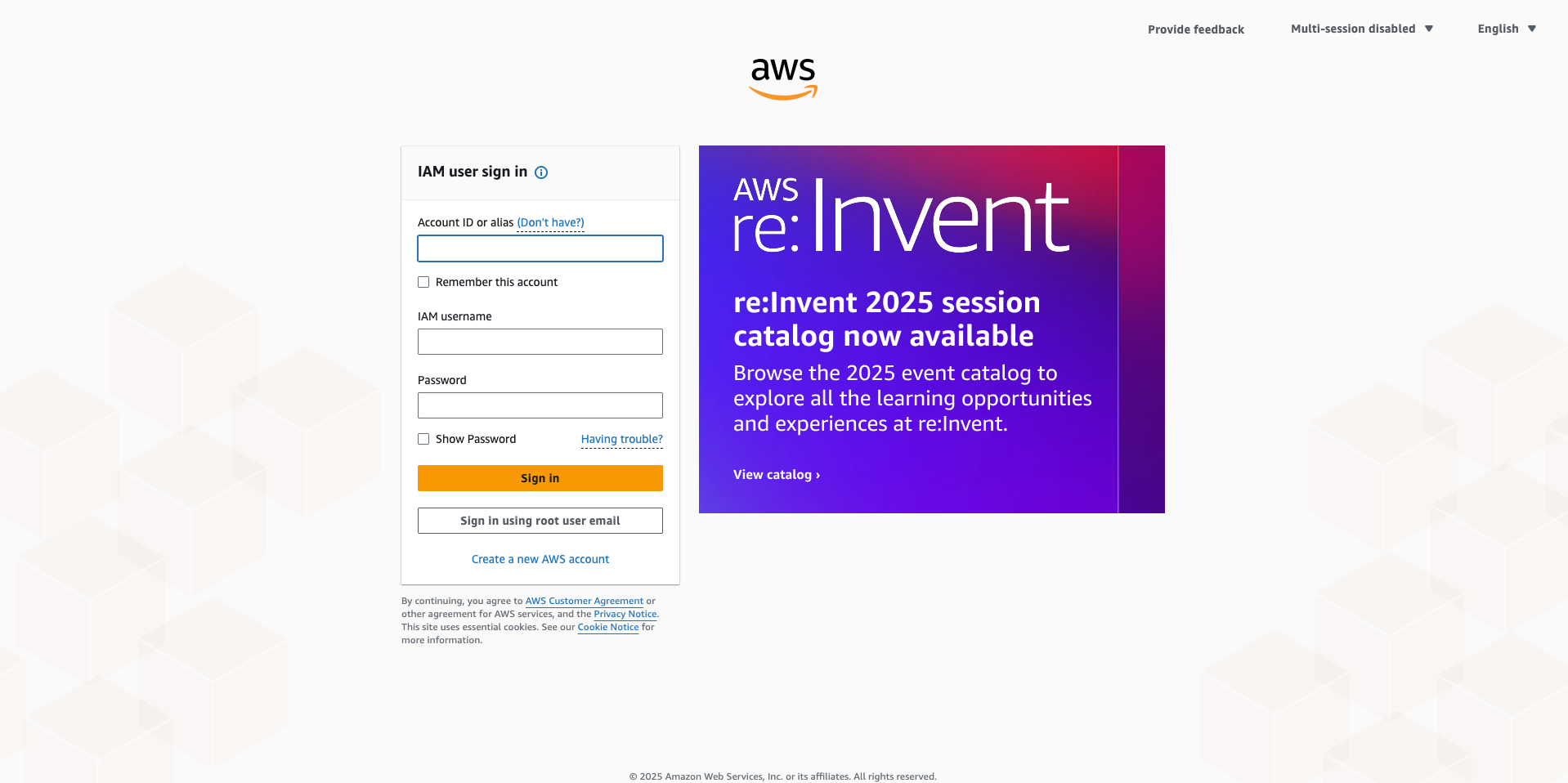
Visit AWS Management Console and log in: https://console.aws.amazon.com/
1.2 Enter Bedrock Service
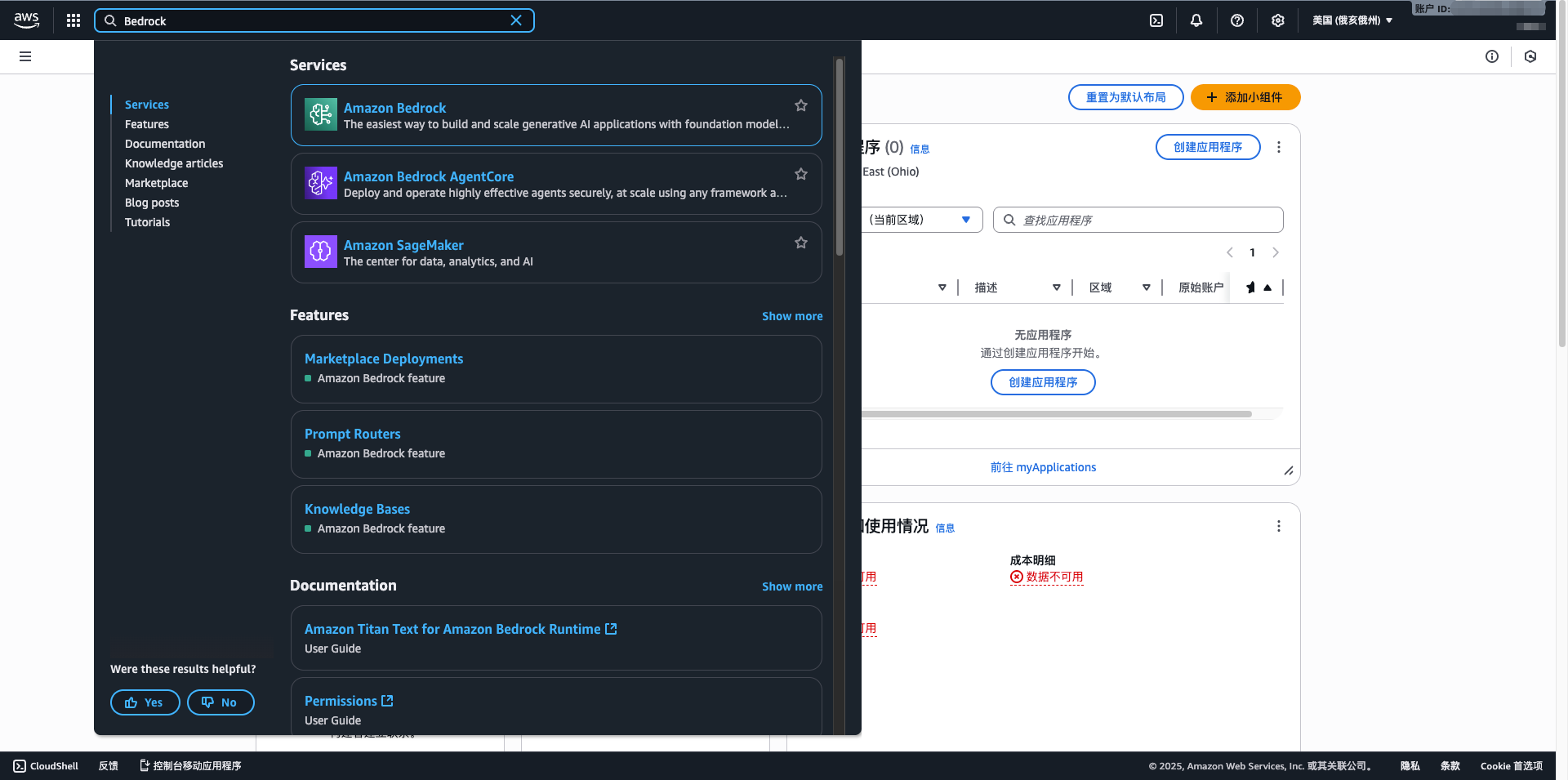
- Enter Bedrock in the search box
- Click Amazon Bedrock
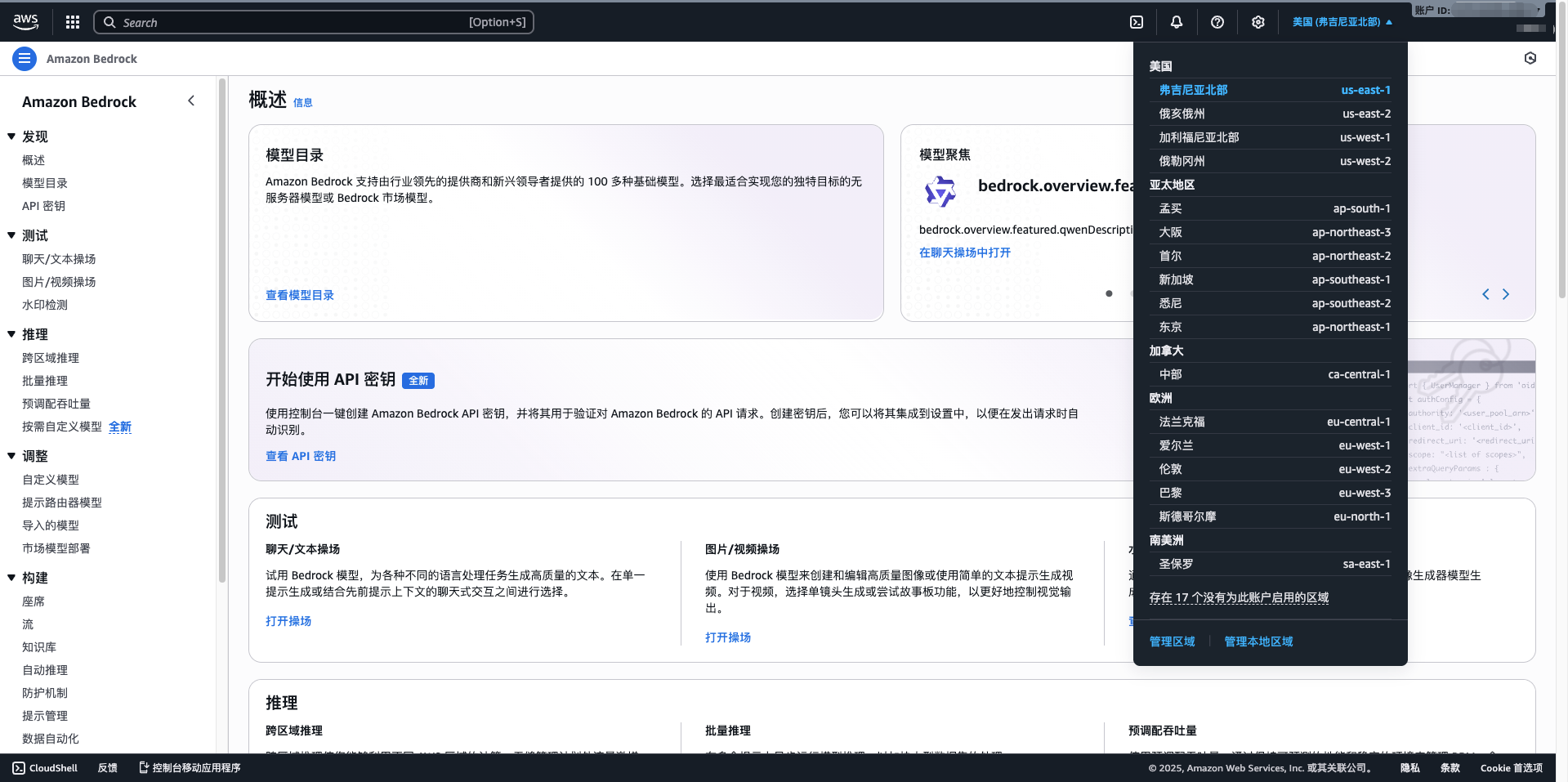
- Select your region (recommended us-east-1)
1.3 Request Model Access
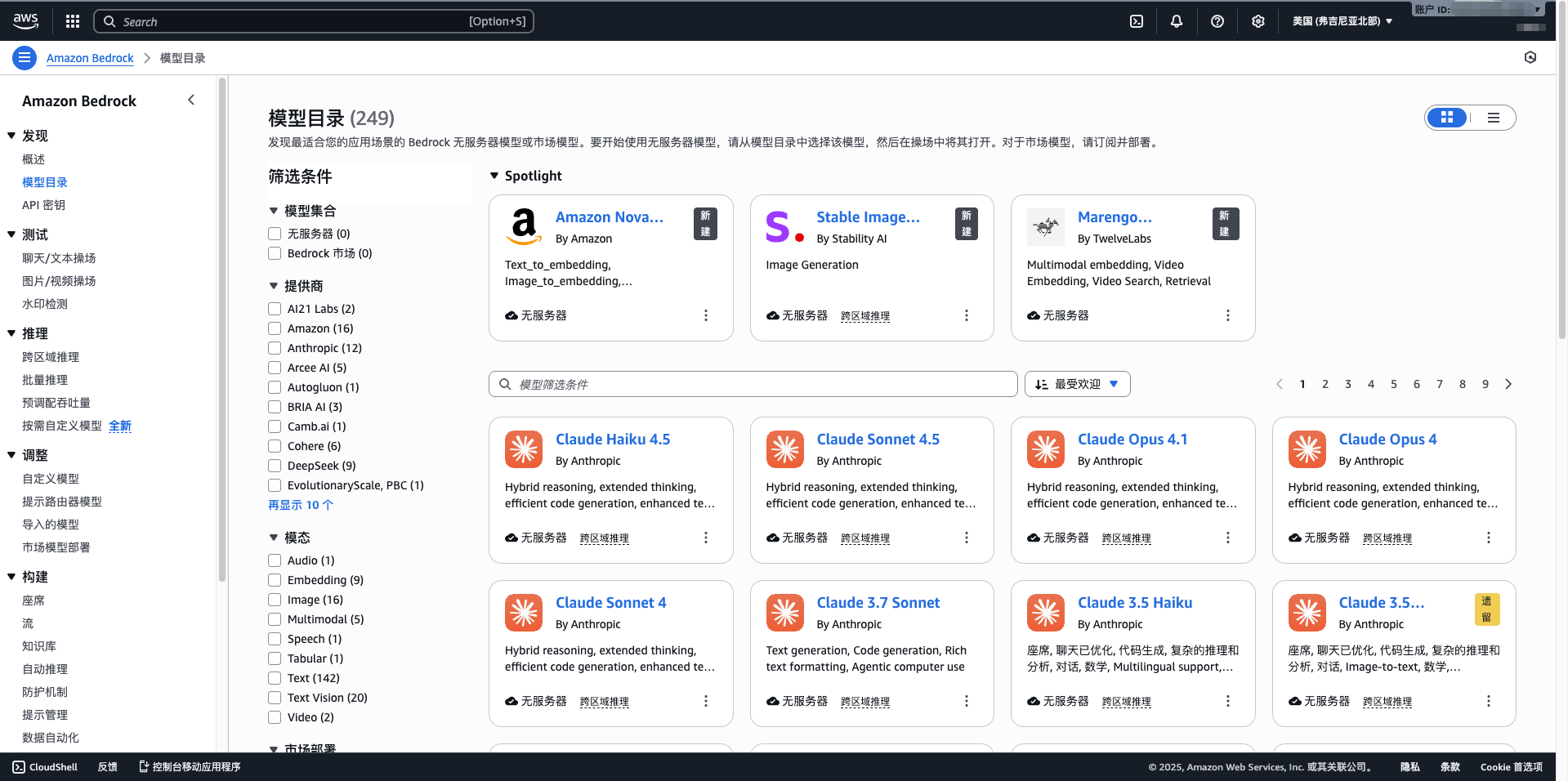
- Click Model access in the left menu
- Click Manage model access
- Check the models you want to use (e.g., Claude 3.5 Sonnet, Llama 3.1, Mistral Large)
- Click Request model access
- Wait for approval (usually within a few minutes)
1.4 Create IAM User and Access Keys
- Visit IAM console: https://console.aws.amazon.com/iam/
- Click Users > Add user
- Enter username (e.g., cuemate-bedrock)
- Select Access key - Programmatic access
- Attach policy: AmazonBedrockFullAccess
- Complete creation and record Access Key ID and Secret Access Key
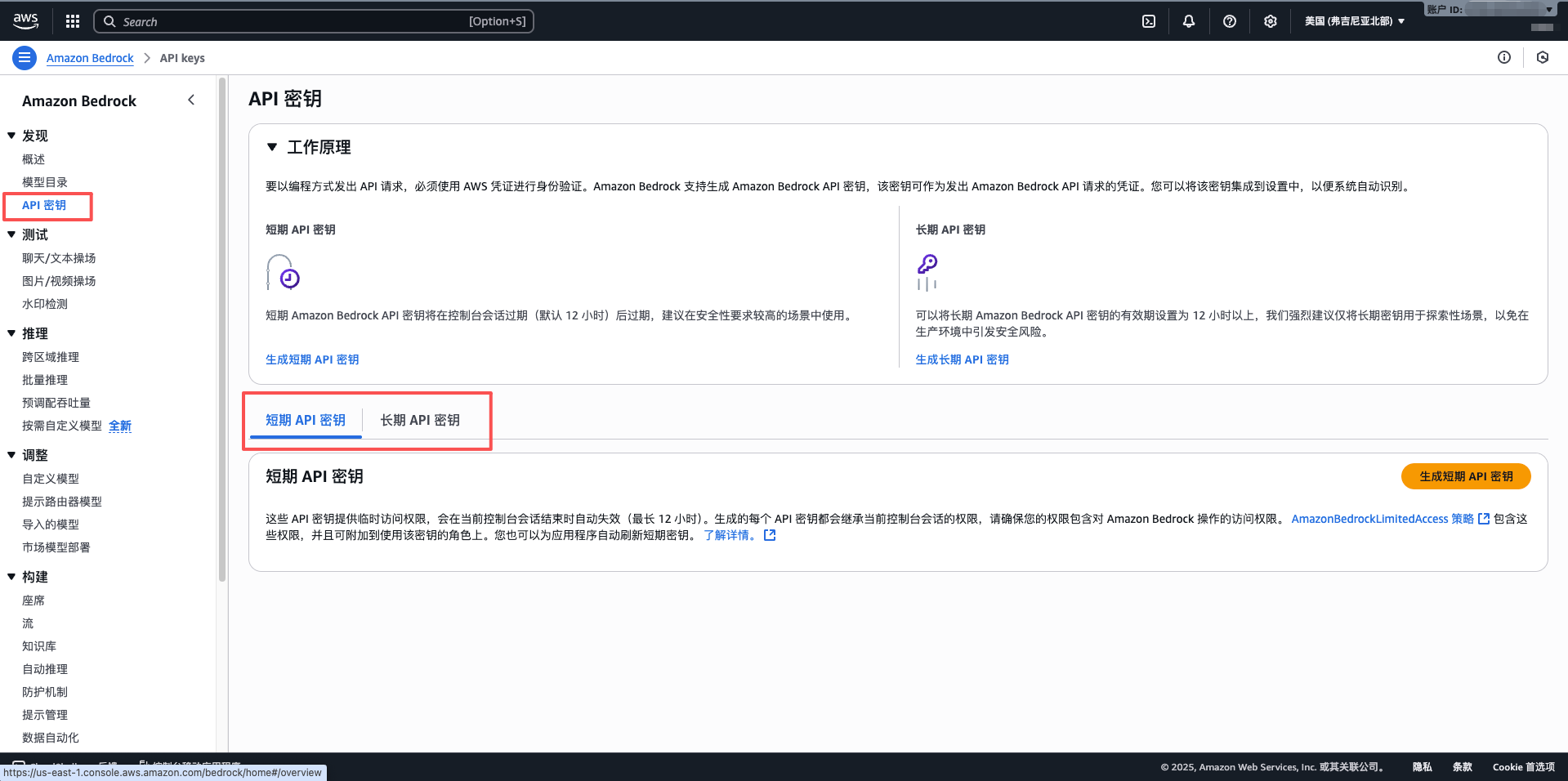
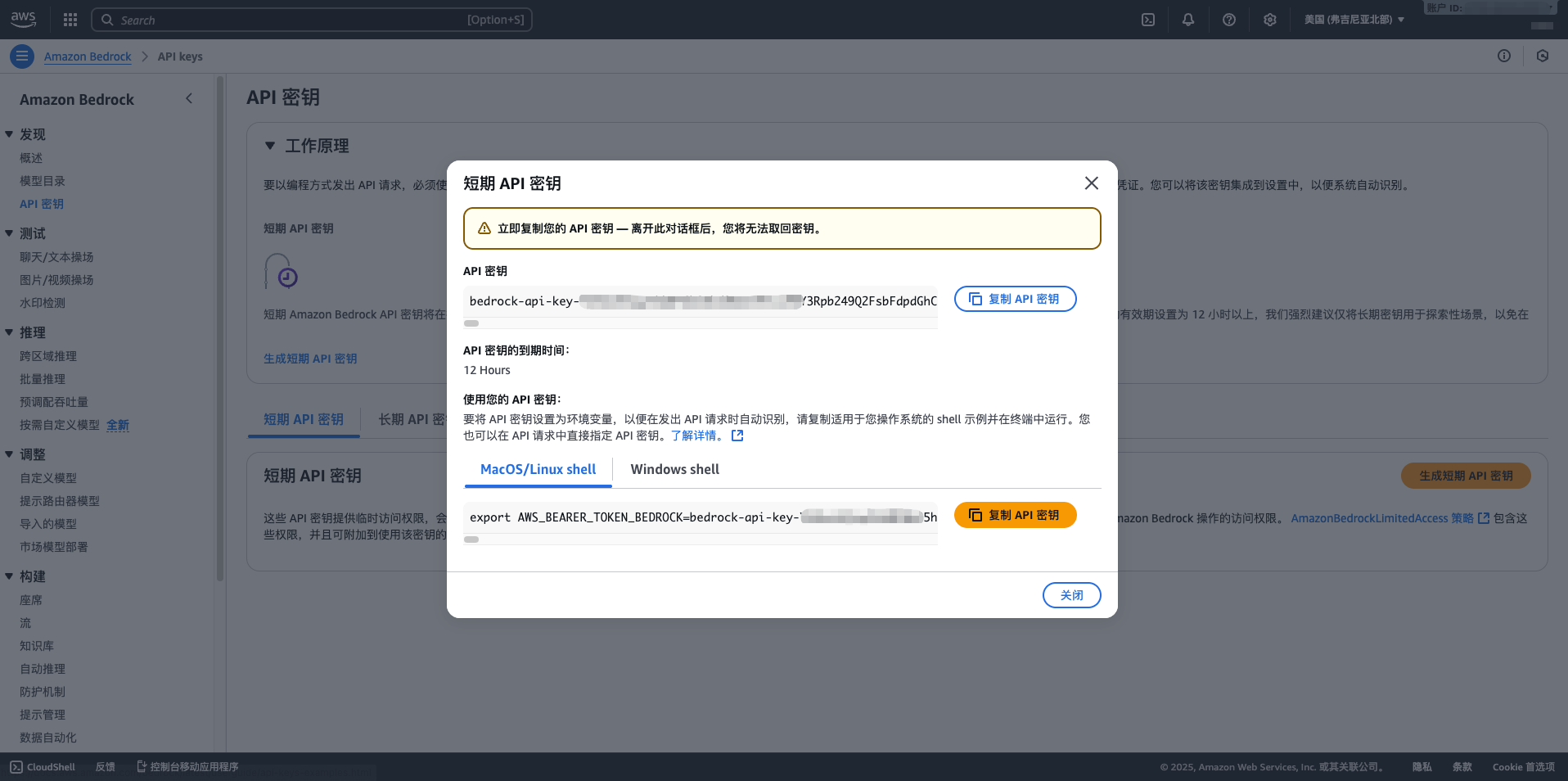
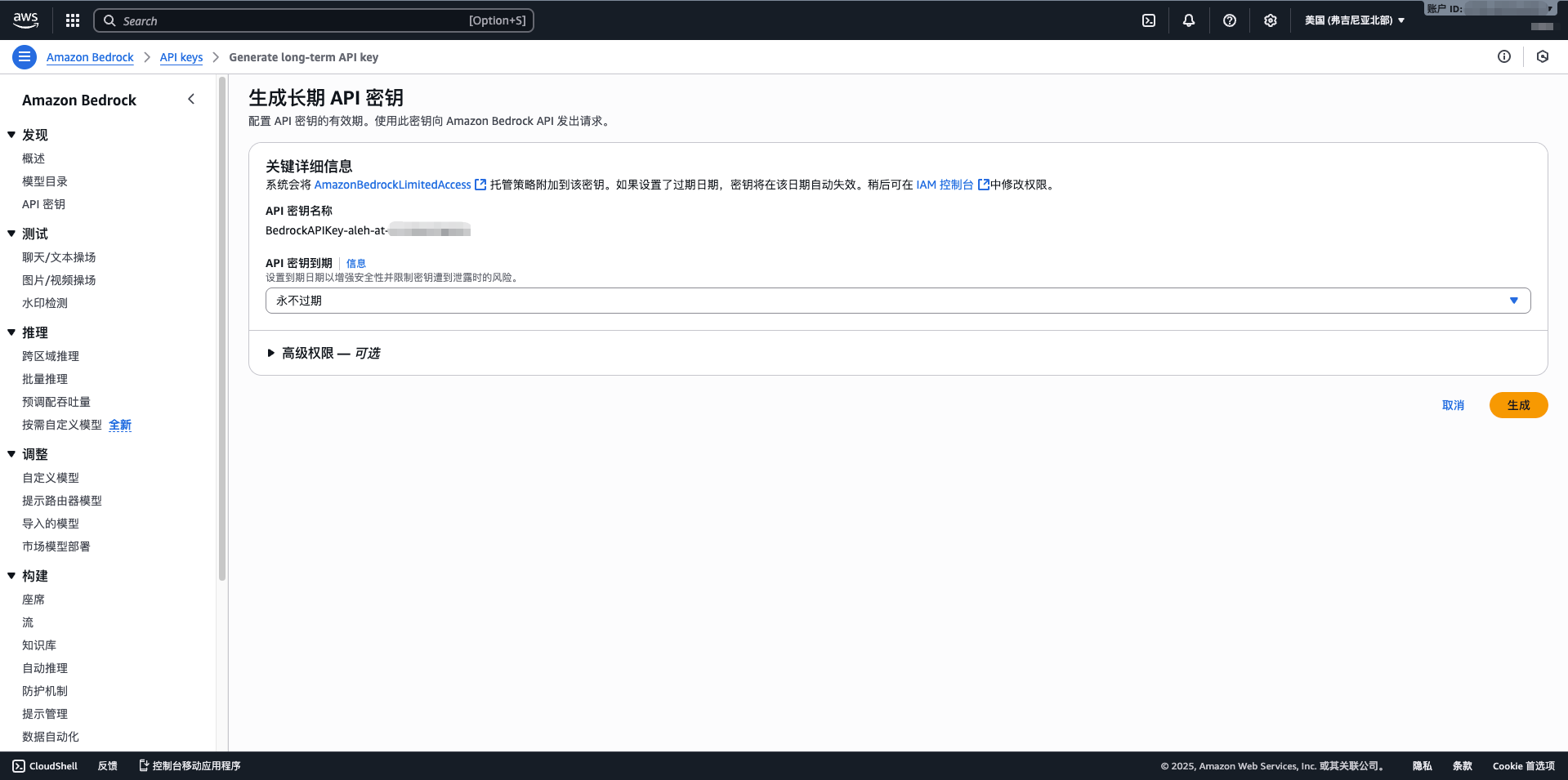
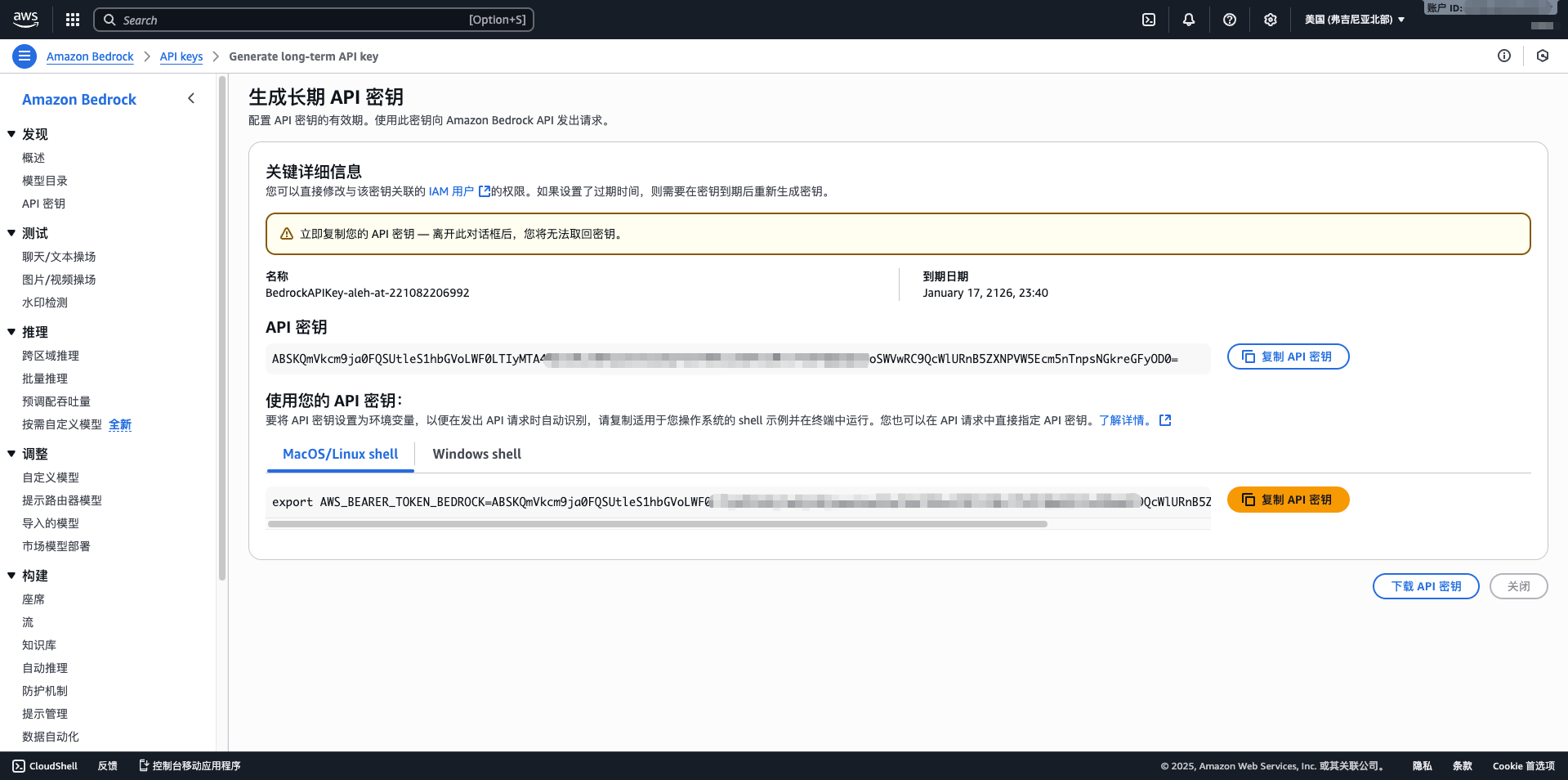
2. Configure Bedrock Model in CueMate
2.1 Enter Model Settings Page
After logging into CueMate, click Model Settings in the dropdown menu in the upper right corner.
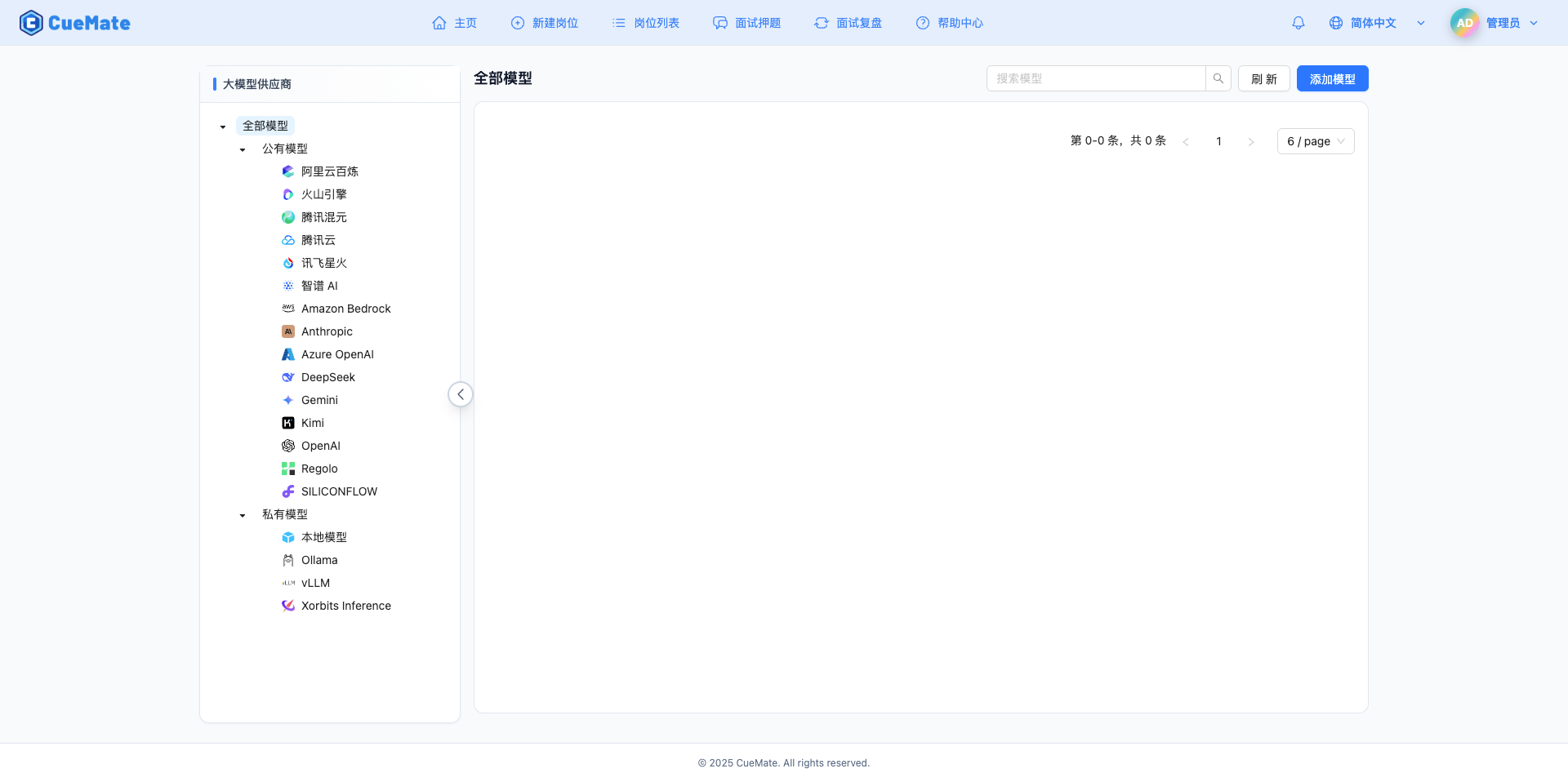
2.2 Add New Model
Click the Add Model button in the upper right corner.

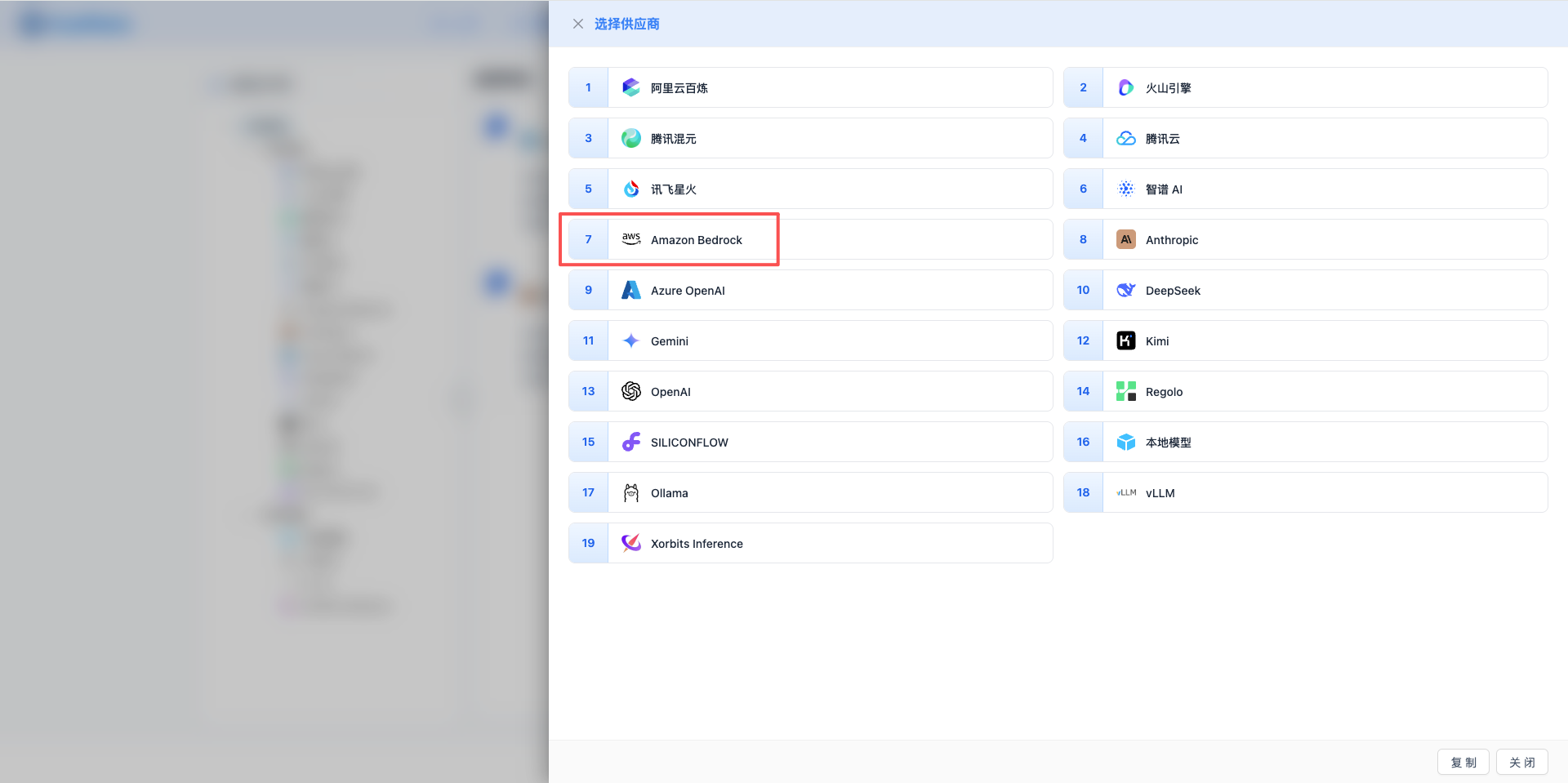
2.3 Select Amazon Bedrock Provider
In the popup dialog:
- Provider Type: Select Amazon Bedrock
- After clicking, it will automatically proceed to the next step
2.4 Fill in Configuration Information
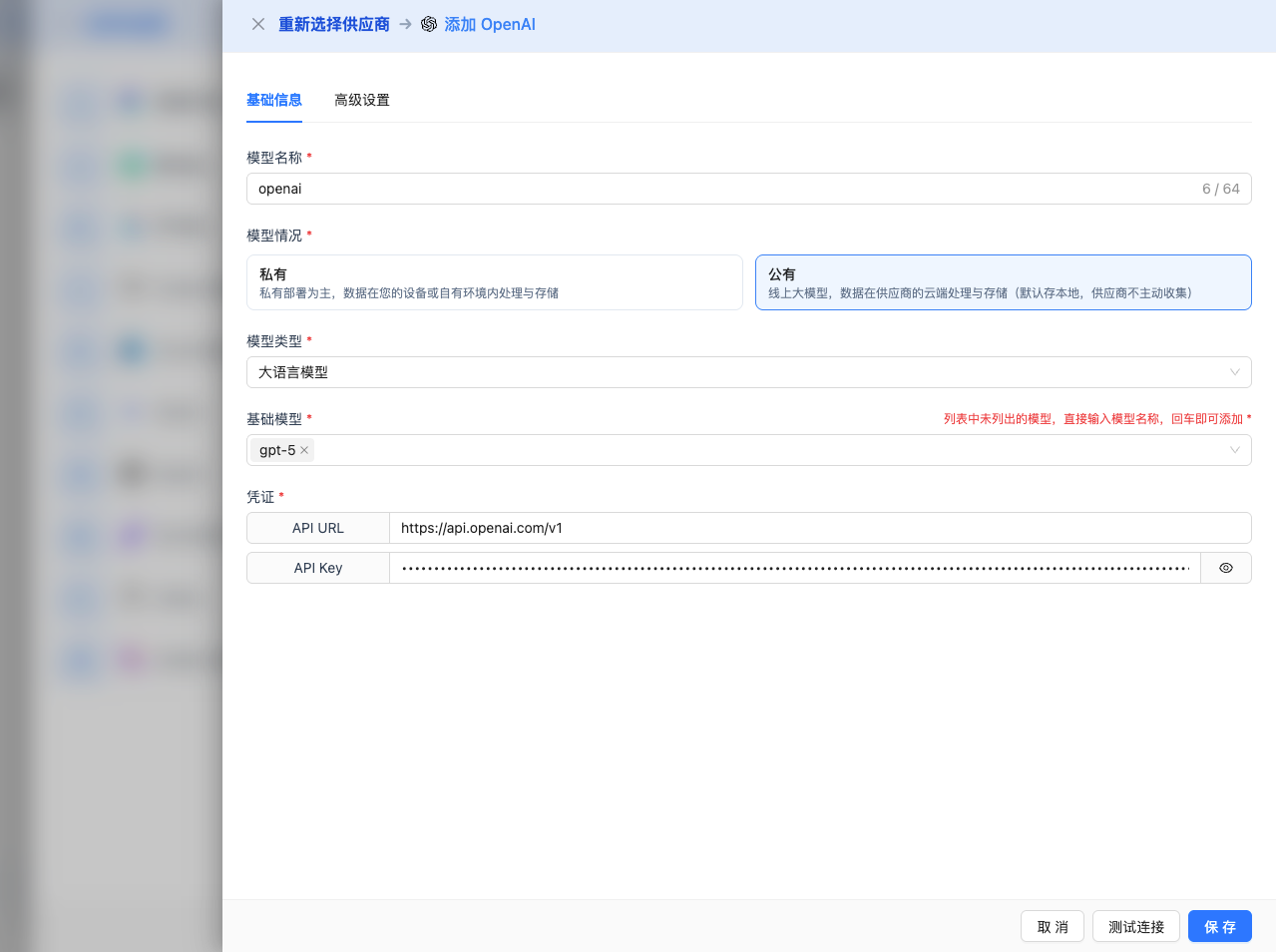
Fill in the following information on the configuration page:
Basic Configuration
- Model Name: Give this model configuration a name (e.g., Bedrock Claude 4.5 Sonnet)
- API Key: Paste the long-term API key obtained from AWS Bedrock
- AWS Region: Select region (e.g., us-east-1, default value)
- Model Version: Select or enter the model ID you want to use. Common models include:
anthropic.claude-sonnet-4-5-20250929-v1:0: Claude 4.5 Sonnet (latest, max output 64K)anthropic.claude-haiku-4-5-20251001-v1:0: Claude 4.5 Haiku (fast, max output 64K)anthropic.claude-opus-4-1-20250805-v1:0: Claude 4.1 Opus (high performance, max output 32K)anthropic.claude-3-5-sonnet-20241022-v2:0: Claude 3.5 Sonnet (max output 64K)amazon.nova-pro-v1:0: Amazon Nova Pro (multimodal, max output 8K)meta.llama3-1-405b-instruct-v1:0: Llama 3.1 405B (ultra-large scale, max output 8K)mistral.mistral-large-2407-v1:0: Mistral Large (high performance, max output 8K)
Advanced Configuration (Optional)
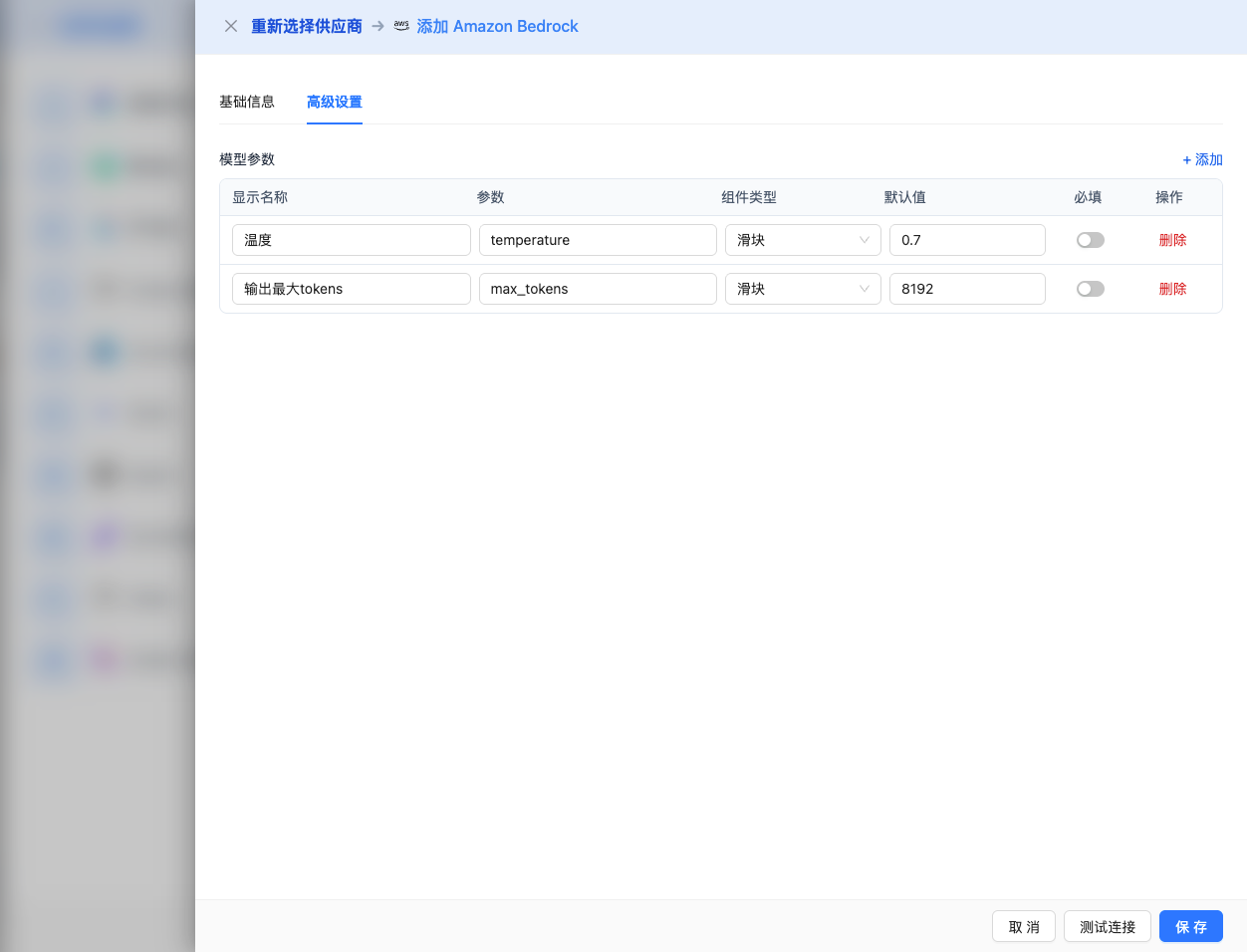
Expand the Advanced Configuration panel to adjust the following parameters:
CueMate Interface Adjustable Parameters:
Temperature: Controls output randomness
- Range: 0-2 (depending on model series)
- Recommended Value: 0.7
- Function: Higher values produce more random and creative output, lower values produce more stable and conservative output
- Model Ranges:
- Claude series: 0-1
- Llama series: 0-2
- Mistral series: 0-1
- DeepSeek series: 0-2
- Amazon Titan series: 0-1
- Usage Suggestions:
- Creative writing/brainstorming: 0.8-1.2 (based on model upper limit)
- Regular conversation/Q&A: 0.6-0.8
- Code generation/precise tasks: 0.3-0.5
Max Tokens: Limits single output length
- Range: 256 - 65536 (depending on model)
- Recommended Value: 8192
- Function: Controls the maximum word count of model's single response
- Model Limits:
- Claude 4.5 Sonnet/Haiku: max 65536 (64K tokens)
- Claude 4 Opus: max 32768 (32K tokens)
- Claude 4 Sonnet: max 65536 (64K tokens)
- Claude 3.7 Sonnet: max 65536 (64K tokens)
- Claude 3.5 Sonnet: max 65536 (64K tokens)
- Claude 3.5 Haiku: max 8192 (8K tokens)
- Claude 3 Opus/Sonnet/Haiku: max 4096 (4K tokens)
- Amazon Nova all series: max 8192 (8K tokens)
- Amazon Titan all series: max 8192 (8K tokens)
- Meta Llama all series: max 8192 (8K tokens)
- Mistral all series: max 8192 (8K tokens)
- DeepSeek all series: max 8192 (8K tokens)
- AI21 Jamba series: max 4096 (4K tokens)
- Cohere Command series: max 4096 (4K tokens)
- Qwen all series: max 8192 (8K tokens)
- Usage Suggestions:
- Short Q&A: 1024-2048
- Regular conversation: 4096-8192
- Long text generation: 16384-32768
- Ultra-long documents: 65536 (Claude 4.5/4/3.7/3.5 Sonnet only)
Other Advanced Parameters Supported by AWS Bedrock API:
Although CueMate's interface only provides temperature and max_tokens adjustments, if you call AWS Bedrock directly through the API, different model series also support the following advanced parameters:
Anthropic Claude Series Parameters
top_p (nucleus sampling)
- Range: 0-1
- Default Value: 1
- Function: Samples from the smallest candidate set with cumulative probability reaching p
- Relationship with temperature: Usually only adjust one of them
- Usage Suggestions:
- Maintain diversity: 0.9-0.95
- More conservative output: 0.7-0.8
top_k
- Range: 0-500
- Default Value: 250
- Function: Samples from the k candidates with highest probability
- Usage Suggestions:
- More diverse: 300-500
- More conservative: 50-150
stop_sequences (stop sequence)
- Type: String array
- Default Value:
["\n\nHuman:"] - Function: Stops when generated content contains specified string
- Maximum Quantity: 4
- Example:
["###", "User:", "\n\n"]
Meta Llama Series Parameters
top_p (nucleus sampling)
- Range: 0-1
- Default Value: 0.9
- Function: Samples from the smallest candidate set with cumulative probability reaching p
top_k
- Range: 1-500
- Default Value: 50
- Function: Samples from the k candidates with highest probability
Amazon Titan Series Parameters
topP (nucleus sampling)
- Range: 0-1
- Default Value: 1
- Function: Samples from the smallest candidate set with cumulative probability reaching p
stopSequences (stop sequence)
- Type: String array
- Function: Stops when generated content contains specified string
- Example:
["User:", "###"]
Mistral Series Parameters
top_p (nucleus sampling)
- Range: 0-1
- Default Value: 1
- Function: Samples from the smallest candidate set with cumulative probability reaching p
top_k
- Range: 0-200
- Default Value: 50
- Function: Samples from the k candidates with highest probability
AWS Bedrock General Features:
stream
- Type: Boolean
- Default Value: false
- Function: Enables streaming return, returning as it generates
- In CueMate: Handled automatically, no manual setting required
guardrails (safety guardrails)
- Type: Object
- Function: Configure AWS Bedrock Guardrails for content filtering
- Usage Scenario: Enterprise-level security compliance requirements
- Example:json
{
  "guardrailIdentifier": "your-guardrail-id",
  "guardrailVersion": "1"
}
| Scenario | Model Series | temperature | max_tokens | top_p | top_k |
|---|---|---|---|---|---|
| Creative writing | Claude | 0.8-0.9 | 4096-8192 | 0.95 | 300 |
| Code generation | Claude | 0.3-0.5 | 2048-4096 | 0.9 | 100 |
| Q&A system | Claude | 0.7 | 1024-2048 | 0.9 | 250 |
| Complex reasoning | Claude Opus | 0.7 | 32768 | 0.9 | 250 |
| Long text generation | Claude Sonnet | 0.7 | 65536 | 0.9 | 250 |
| Fast response | Claude Haiku | 0.6 | 4096 | 0.9 | 200 |
| Large-scale reasoning | Llama 3.1 405B | 0.7 | 8192 | 0.9 | 50 |
| Multimodal tasks | Nova Pro | 0.7 | 8192 | 1.0 | - |
2.5 Test Connection
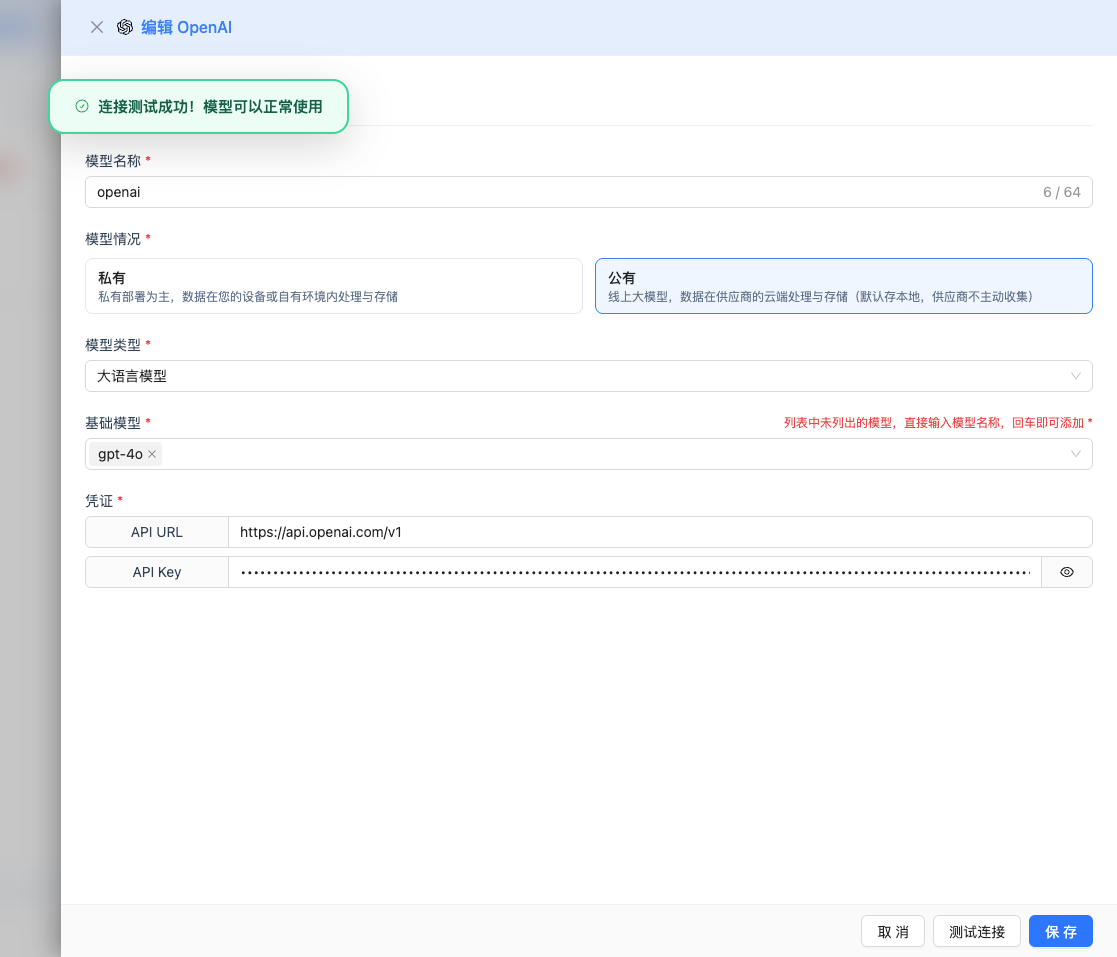
After filling in the configuration, click the Test Connection button to verify if the configuration is correct.
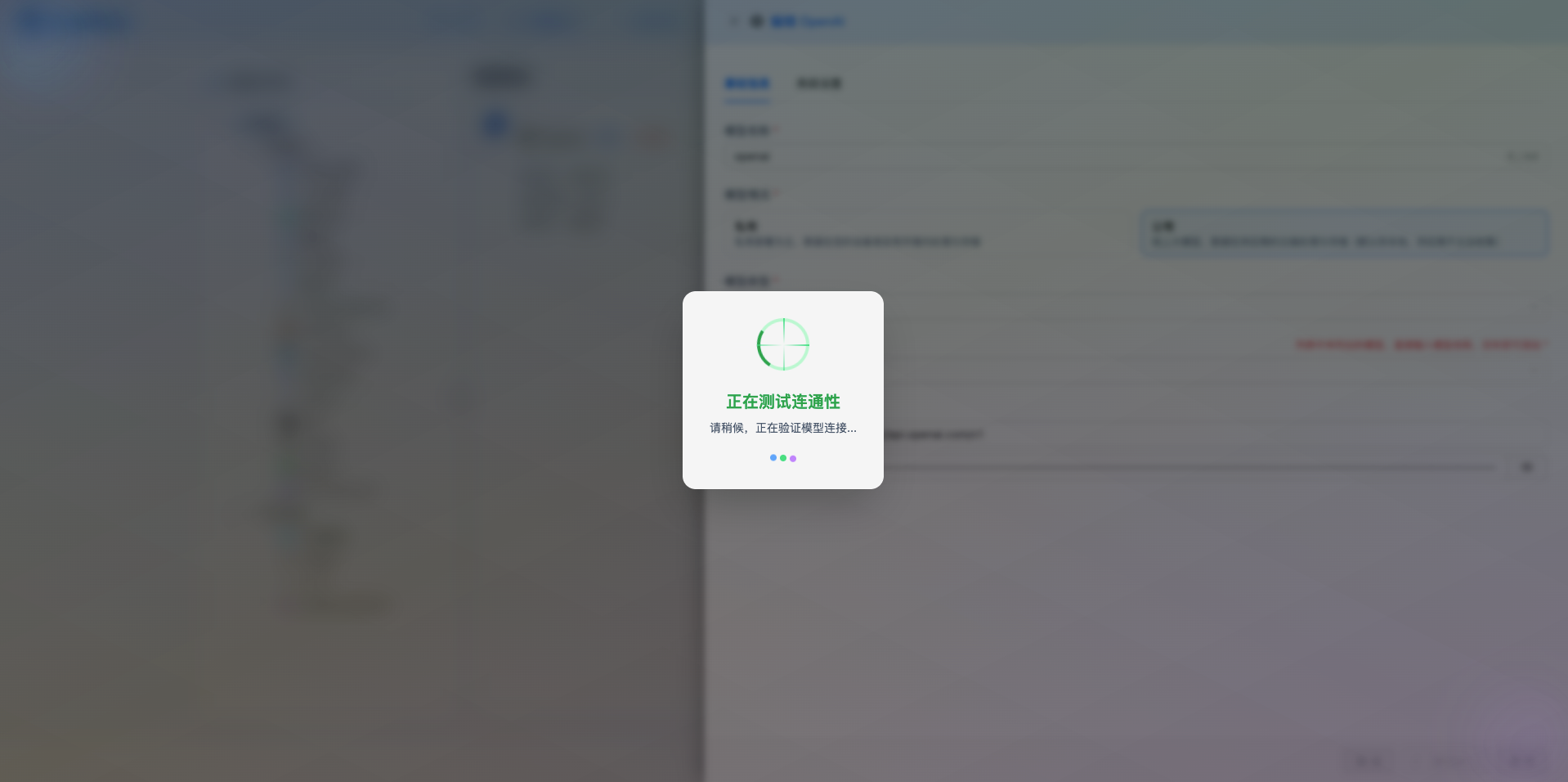
If the configuration is correct, it will display a success message and return a model response example.
If the configuration is incorrect, it will display test error logs, and you can view specific error information through log management.
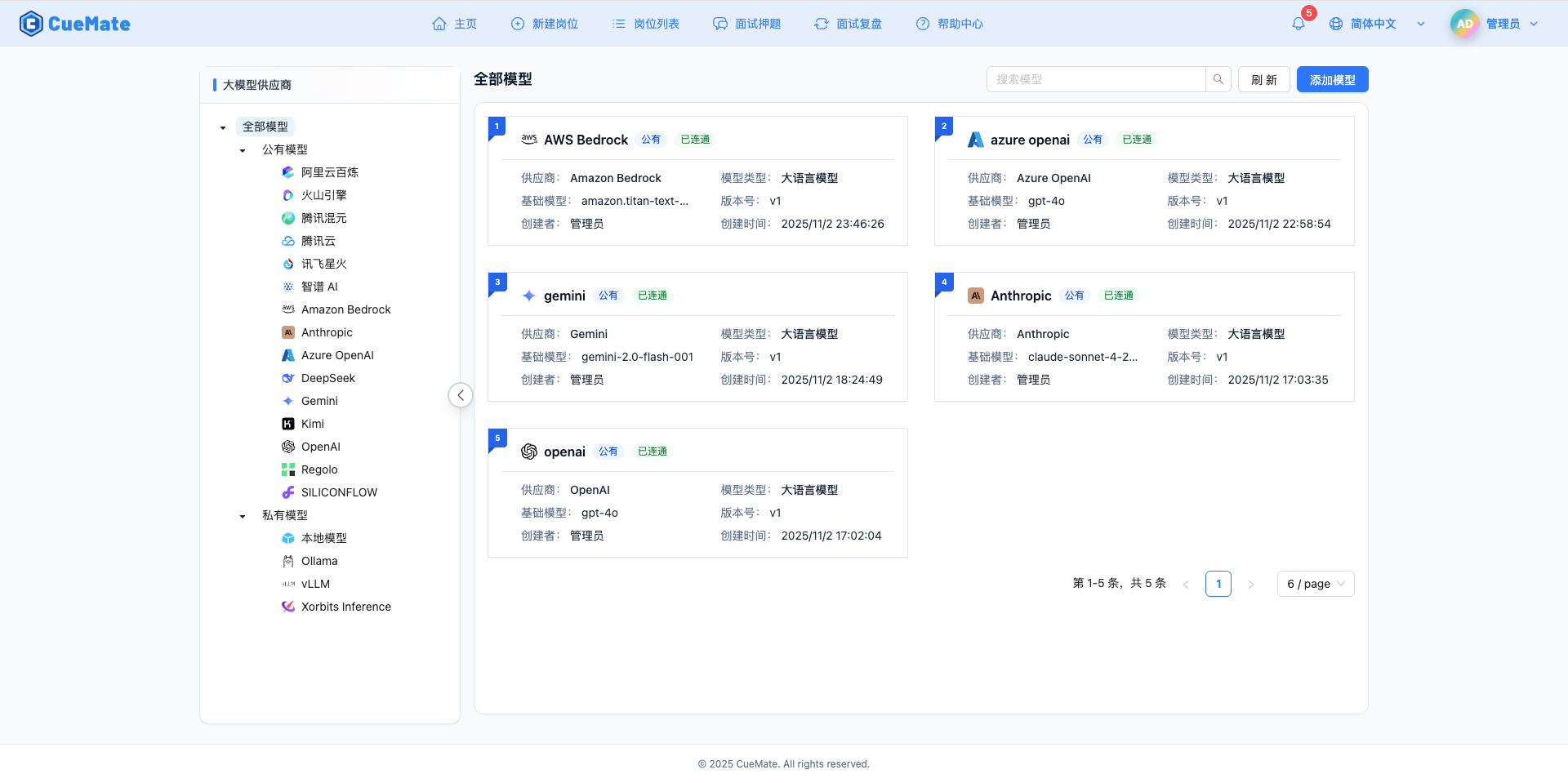
2.6 Save Configuration
After a successful test, click the Save button to complete the model configuration.
3. Use Model
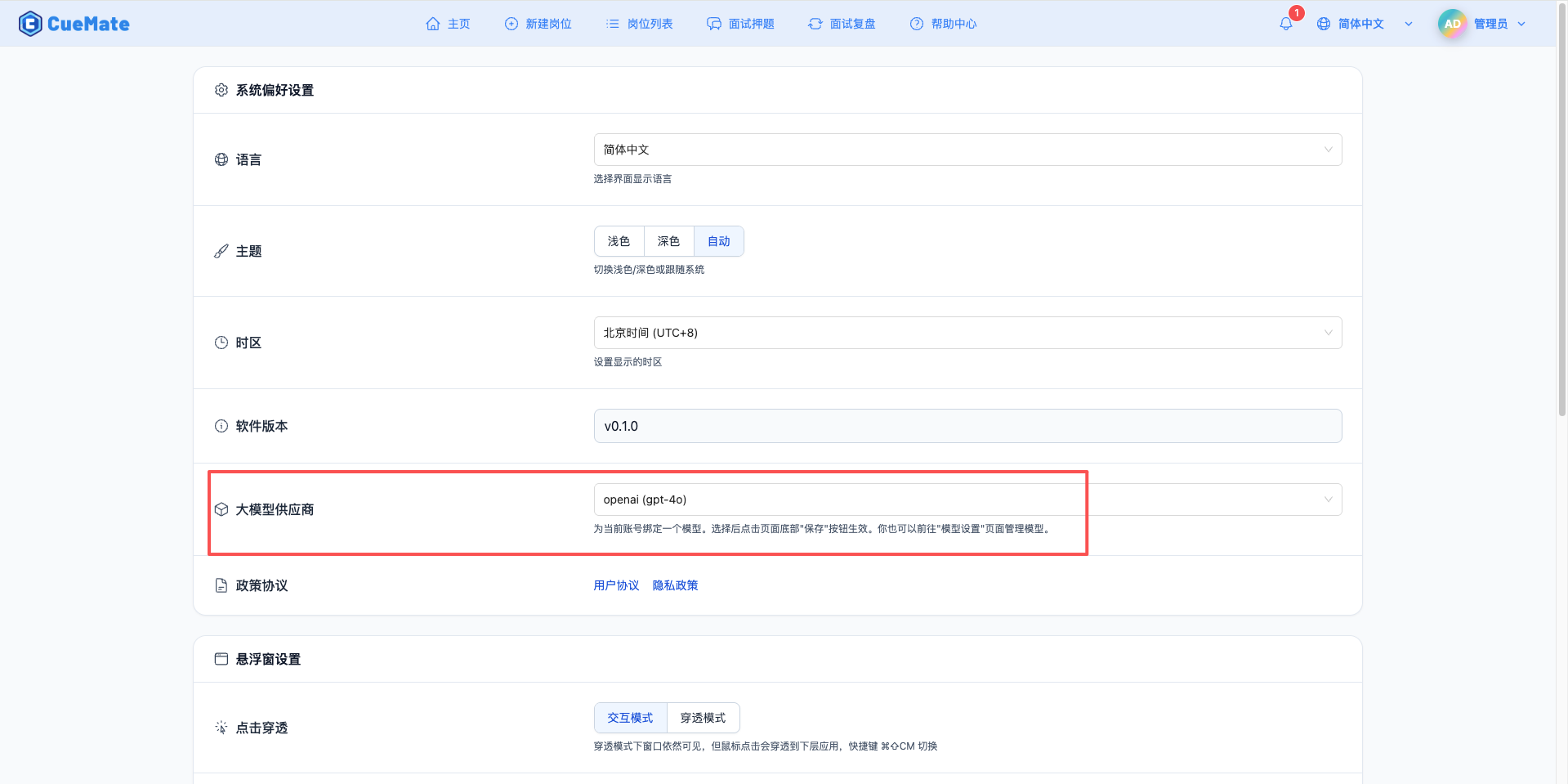
Through the dropdown menu in the upper right corner, enter the system settings interface and select the model configuration you want to use in the Large Model Provider section.
After configuration, you can select to use this model in functions such as interview training and question generation, or you can individually select the model configuration for a specific interview in the interview options.
4. Supported Model List
CueMate supports all mainstream large models on the AWS Bedrock platform, covering 70+ models from 10+ providers. Below are representative models from each series:
4.1 Anthropic Claude Series
| No. | Model Name | Model ID | Max Output | Use Case |
|---|---|---|---|---|
| 1 | Claude 4.5 Sonnet | anthropic.claude-sonnet-4-5-20250929-v1:0 | 64K tokens | Latest generation, general scenarios, high-performance reasoning |
| 2 | Claude 4.5 Haiku | anthropic.claude-haiku-4-5-20251001-v1:0 | 64K tokens | Fast response, high throughput |
| 3 | Claude 4.1 Opus | anthropic.claude-opus-4-1-20250805-v1:0 | 32K tokens | Complex reasoning, deep analysis |
| 4 | Claude 4 Opus | anthropic.claude-opus-4-20250514-v1:0 | 32K tokens | High-quality output |
| 5 | Claude 4 Sonnet | anthropic.claude-sonnet-4-20250514-v1:0 | 64K tokens | Balanced performance and cost |
| 6 | Claude 3.7 Sonnet | anthropic.claude-3-7-sonnet-20250219-v1:0 | 64K tokens | Enhanced general model |
| 7 | Claude 3.5 Sonnet v2 | anthropic.claude-3-5-sonnet-20241022-v2:0 | 64K tokens | General scenarios, high performance |
| 8 | Claude 3.5 Sonnet v1 | anthropic.claude-3-5-sonnet-20240620-v1:0 | 64K tokens | General scenarios |
| 9 | Claude 3.5 Haiku | anthropic.claude-3-5-haiku-20241022-v1:0 | 8K tokens | Fast response |
| 10 | Claude 3 Opus | anthropic.claude-3-opus-20240229-v1:0 | 4K tokens | Complex reasoning |
| 11 | Claude 3 Sonnet | anthropic.claude-3-sonnet-20240229-v1:0 | 4K tokens | Balanced performance |
| 12 | Claude 3 Haiku | anthropic.claude-3-haiku-20240307-v1:0 | 4K tokens | Lightweight tasks |
4.2 Amazon Nova Series
| No. | Model Name | Model ID | Max Output | Use Case |
|---|---|---|---|---|
| 1 | Nova Premier | amazon.nova-premier-v1:0 | 8K tokens | Flagship multimodal model |
| 2 | Nova Pro | amazon.nova-pro-v1:0 | 8K tokens | High-performance multimodal processing |
| 3 | Nova Lite | amazon.nova-lite-v1:0 | 8K tokens | Lightweight multimodal tasks |
| 4 | Nova Micro | amazon.nova-micro-v1:0 | 8K tokens | Ultra-lightweight scenarios |
| 5 | Nova Sonic | amazon.nova-sonic-v1:0 | 8K tokens | Fast response |
4.3 Amazon Titan Series
| No. | Model Name | Model ID | Max Output | Use Case |
|---|---|---|---|---|
| 1 | Titan Premier | amazon.titan-text-premier-v1:0 | 8K tokens | Enterprise applications |
| 2 | Titan Express | amazon.titan-text-express-v1 | 8K tokens | Fast response |
| 3 | Titan Lite | amazon.titan-text-lite-v1 | 8K tokens | Lightweight tasks |
4.4 Meta Llama Series
| No. | Model Name | Model ID | Max Output | Use Case |
|---|---|---|---|---|
| 1 | Llama 4 Scout 17B | meta.llama4-scout-17b-instruct-v1:0 | 8K tokens | New generation medium-scale model |
| 2 | Llama 4 Maverick 17B | meta.llama4-maverick-17b-instruct-v1:0 | 8K tokens | New generation high-performance model |
| 3 | Llama 3.3 70B | meta.llama3-3-70b-instruct-v1:0 | 8K tokens | Enhanced large-scale reasoning |
| 4 | Llama 3.2 90B | meta.llama3-2-90b-instruct-v1:0 | 8K tokens | Large-scale reasoning |
| 5 | Llama 3.2 11B | meta.llama3-2-11b-instruct-v1:0 | 8K tokens | Medium-scale tasks |
| 6 | Llama 3.2 3B | meta.llama3-2-3b-instruct-v1:0 | 8K tokens | Lightweight tasks |
| 7 | Llama 3.2 1B | meta.llama3-2-1b-instruct-v1:0 | 8K tokens | Ultra-lightweight |
| 8 | Llama 3.1 405B | meta.llama3-1-405b-instruct-v1:0 | 8K tokens | Ultra-large scale reasoning |
| 9 | Llama 3.1 70B | meta.llama3-1-70b-instruct-v1:0 | 8K tokens | Large-scale tasks |
| 10 | Llama 3.1 8B | meta.llama3-1-8b-instruct-v1:0 | 8K tokens | Standard tasks |
| 11 | Llama 3 70B | meta.llama3-70b-instruct-v1:0 | 8K tokens | Classic large-scale model |
| 12 | Llama 3 8B | meta.llama3-8b-instruct-v1:0 | 8K tokens | Classic standard model |
4.5 Mistral AI Series
| No. | Model Name | Model ID | Max Output | Use Case |
|---|---|---|---|---|
| 1 | Pixtral Large 2502 | mistral.pixtral-large-2502-v1:0 | 8K tokens | Multimodal large model |
| 2 | Mistral Large 2407 | mistral.mistral-large-2407-v1:0 | 8K tokens | High-performance scenarios |
| 3 | Mistral Large 2402 | mistral.mistral-large-2402-v1:0 | 8K tokens | General scenarios |
| 4 | Mistral Small 2402 | mistral.mistral-small-2402-v1:0 | 8K tokens | Lightweight and efficient |
| 5 | Mixtral 8x7B | mistral.mixtral-8x7b-instruct-v0:1 | 4K tokens | Mixture of experts model |
| 6 | Mistral 7B | mistral.mistral-7b-instruct-v0:2 | 8K tokens | Lightweight tasks |
4.6 AI21 Labs Series
| No. | Model Name | Model ID | Max Output | Use Case |
|---|---|---|---|---|
| 1 | Jamba 1.5 Large | ai21.jamba-1-5-large-v1:0 | 4K tokens | Large-scale hybrid architecture |
| 2 | Jamba 1.5 Mini | ai21.jamba-1-5-mini-v1:0 | 4K tokens | Lightweight hybrid architecture |
4.7 Cohere Series
| No. | Model Name | Model ID | Max Output | Use Case |
|---|---|---|---|---|
| 1 | Command R+ | cohere.command-r-plus-v1:0 | 4K tokens | Enhanced command model |
| 2 | Command R | cohere.command-r-v1:0 | 4K tokens | Standard command model |
4.8 DeepSeek Series
| No. | Model Name | Model ID | Max Output | Use Case |
|---|---|---|---|---|
| 1 | DeepSeek R1 | deepseek.r1-v1:0 | 8K tokens | Reasoning optimized version |
| 2 | DeepSeek V3 | deepseek.v3-v1:0 | 8K tokens | Latest generation model |
4.9 Qwen Series
| No. | Model Name | Model ID | Max Output | Use Case |
|---|---|---|---|---|
| 1 | Qwen 3 Coder 480B | qwen.qwen3-coder-480b-a35b-v1:0 | 8K tokens | Ultra-large scale code generation |
| 2 | Qwen 3 235B | qwen.qwen3-235b-a22b-2507-v1:0 | 8K tokens | Ultra-large scale general reasoning |
| 3 | Qwen 3 Coder 30B | qwen.qwen3-coder-30b-a3b-v1:0 | 8K tokens | Code generation specialized |
| 4 | Qwen 3 32B | qwen.qwen3-32b-v1:0 | 8K tokens | Standard general model |
4.10 OpenAI Series
| No. | Model Name | Model ID | Max Output | Use Case |
|---|---|---|---|---|
| 1 | GPT-OSS 120B | openai.gpt-oss-120b-1:0 | 4K tokens | Open-source GPT large model |
| 2 | GPT-OSS 20B | openai.gpt-oss-20b-1:0 | 4K tokens | Open-source GPT medium model |
Notes:
- All models above require requesting access permissions in the AWS Bedrock console before use
- Different models have different pricing, please refer to AWS Bedrock Pricing
- Actual maximum output depends on the Max Tokens parameter you set in CueMate configuration
- Some models may only be available in specific AWS regions, it's recommended to use us-east-1 for best model coverage
5. Common Issues
5.1 Model Access Not Authorized
Symptom: Model access denied prompt
Solution:
- Check model access status in Bedrock console
- Confirm that model access has been requested and obtained
- Wait for approval (some models may require 1-2 business days)
5.2 Insufficient IAM Permissions
Symptom: Permission error prompt
Solution:
- Confirm that IAM user has attached AmazonBedrockFullAccess policy
- Check if access keys are correct
- Verify that region settings match the model's available region
5.3 Region Not Supported
Symptom: Service not available in current region prompt
Solution:
- Use regions that support Bedrock (recommended us-east-1 or us-west-2)
- Modify region code in API URL
- Confirm that the selected model is available in that region
5.4 Quota Limit
Symptom: Exceeds request quota prompt
Solution:
- Check quota usage in Bedrock console
- Request to increase TPM (tokens per minute) or RPM (requests per minute) limits
- Optimize request frequency